





This detailed guide explains how to program your AIRTAP Register Booster Fan. It features Cooling and Heating Triggers that boost airflow to improve comfort throughout your home. Important: The temperature you set is the trigger temperature. It is not your desired room temperature, but rather the temperature of the air flowing through your HVAC duct. The booster fan does not adjust to your personal comfort preferences, nor does it change the settings of your central air conditioning or heating system. Here's how the AIRTAP works:
- Your air conditioner or heater operates at your preferred thermostat setting.
- Air flows through the duct, passes the fan's temperature sensor, and exits through the register.
- The sensor monitors the air temperature and activates the fan when a trigger threshold is reached.
- The Register Booster Fan increases airflow from your duct, helping improve cooling or heating performance.
- It turns off when the sensor detects a temperature higher than the Cooling Trigger (or lower than the Heating Trigger).
We recommend setting up the two triggers separately to avoid confusion. If both triggers are active, the fan may be activated by temperatures that are not intended for the current operating mode. For example, at 19°C (66°F), the Cooling Trigger could activate the fan even though the heating system is currently running.
To disable the trigger you are not using, press and hold the Mode button until "OF" appears on the display. When using air conditioning, disable the Heating Trigger; when using heating, disable the Cooling Trigger.
Programming the AIRTAP Register Booster Fan
To calibrate the Cooling Trigger (jump to Heating Trigger):
- Turn on your air conditioner.
- Set it to your usual desired temperature.
- Allow it to run for several minutes until the AIRTAP detects a stable temperature.
- Press the Mode button to navigate to the Cooling Trigger (snowflake icon).
- Set the Cooling Trigger to the same temperature or higher than the currently displayed stable temperature.
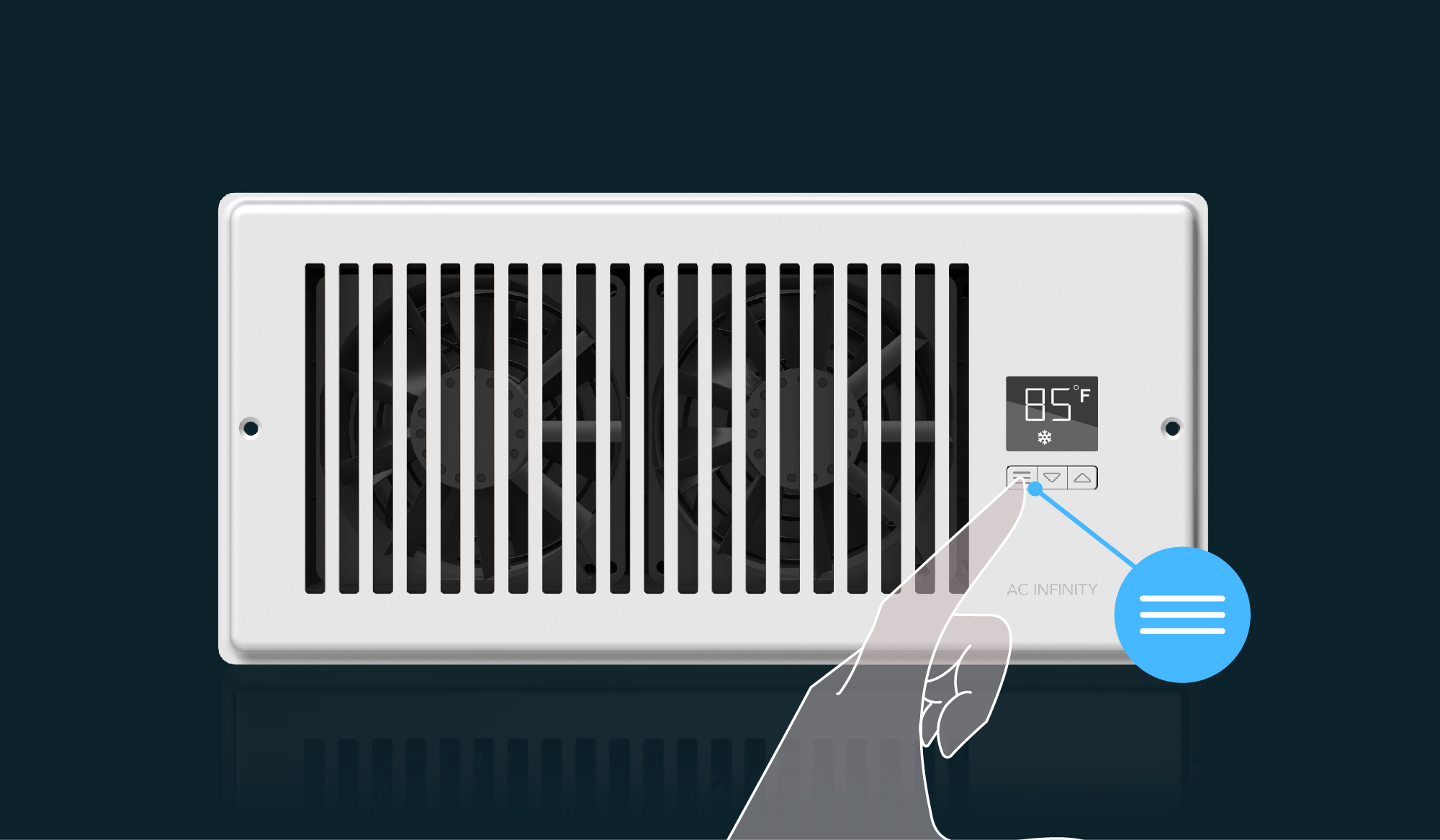
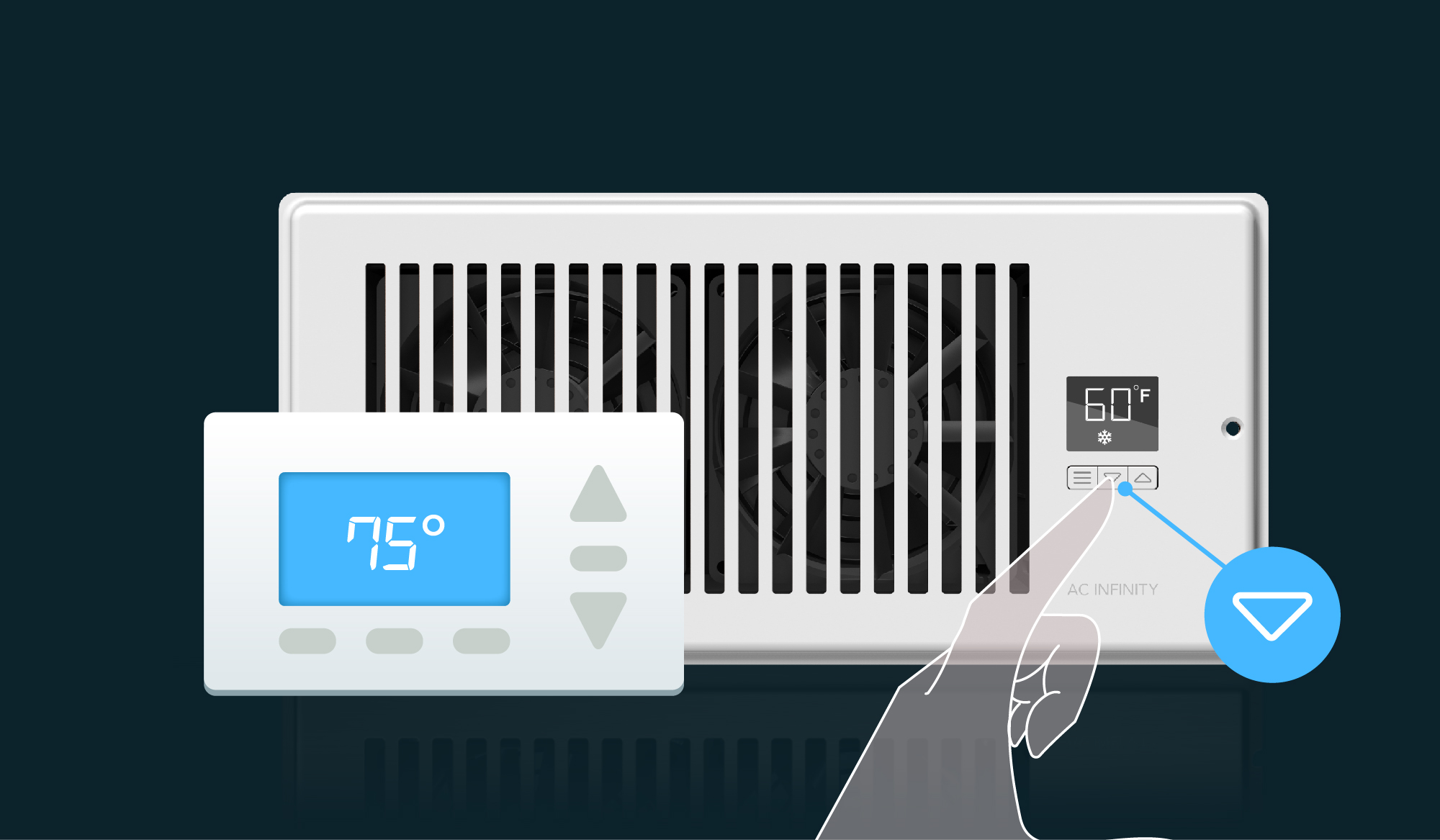
To calibrate the Heating Trigger:
- Turn on your heating system.
- Set it to your usual desired temperature.
- Allow it to run for several minutes until the AIRTAP detects a stable temperature.
- Press the Mode button to navigate to the Heating Trigger (flame icon).
- Set the Heating Trigger to the same temperature or lower than the currently displayed stable temperature.
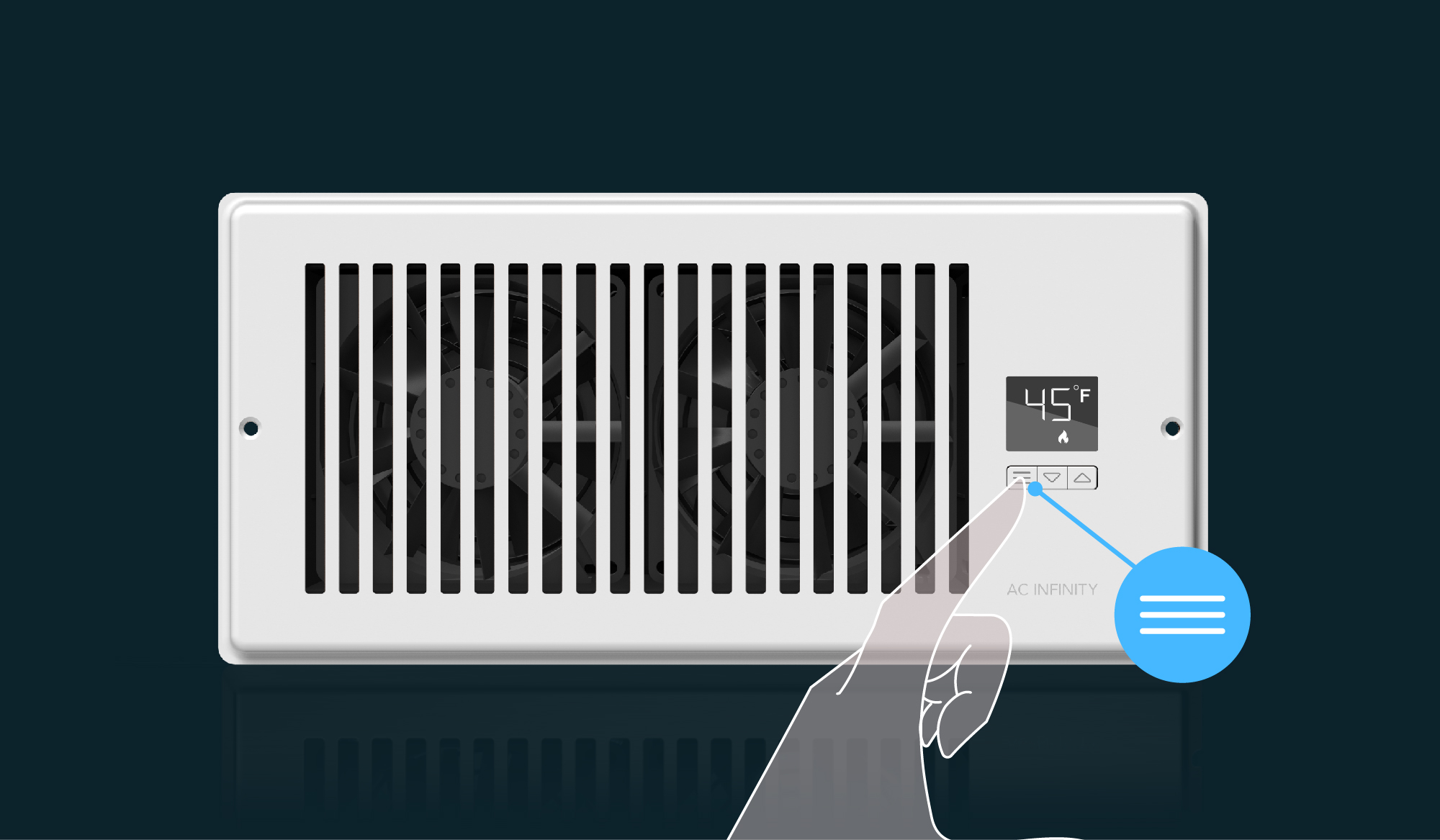
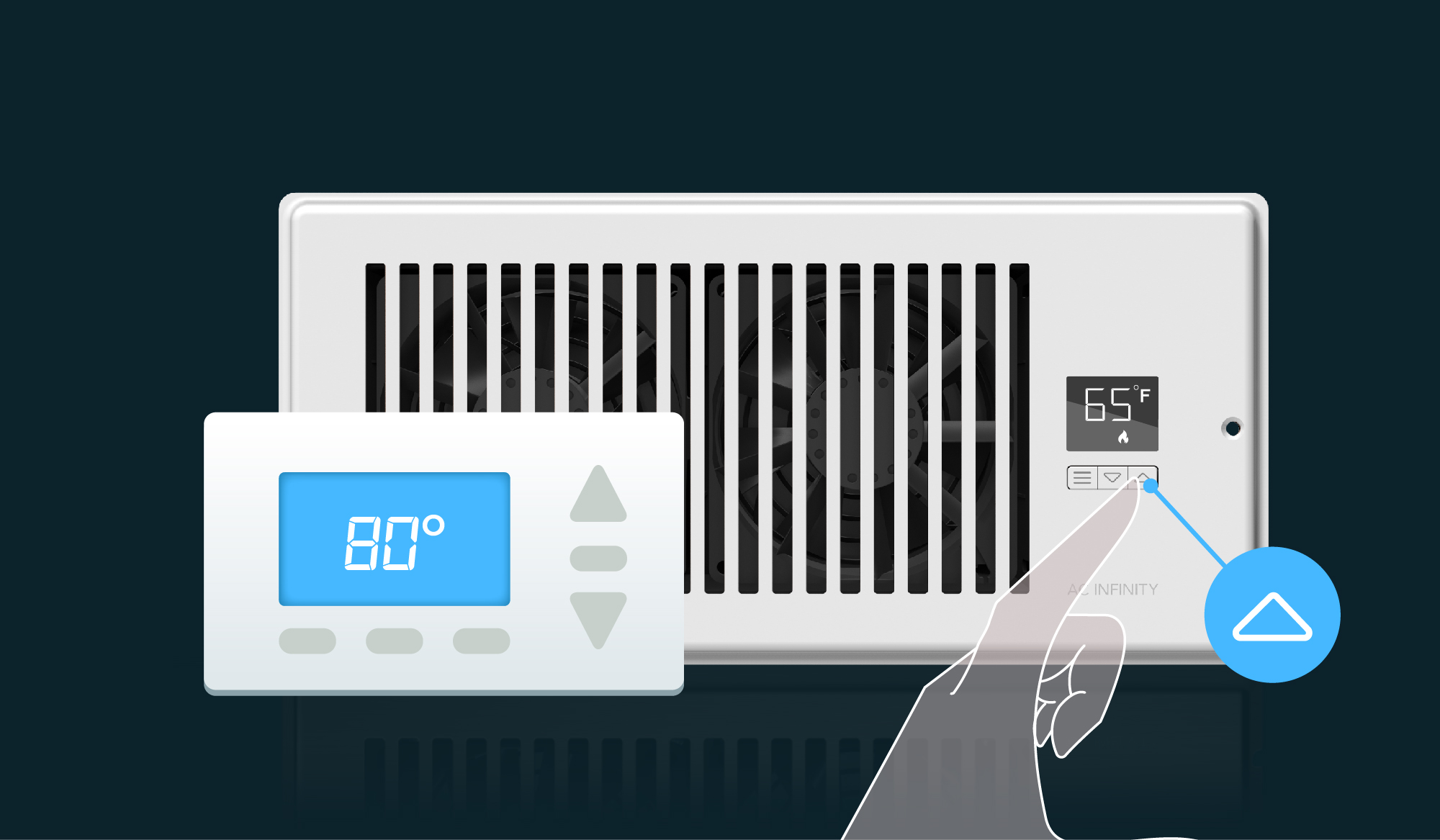
For additional visual guidance, please refer to the updated AIRTAP User Manual. Still have questions? Contact Us — our customer support team will be happy to assist you.


