

Our UIS™ Controllers can apply smart programming to your existing outlet-powered devices using the UIS Control Plug. This allows humidifiers, dehumidifiers, heaters, and air conditioners to be integrated into the UIS Platform and enhanced with smart automation and app control.
Please note: Devices connected through this adapter can only be controlled with simple ON/OFF functionality.
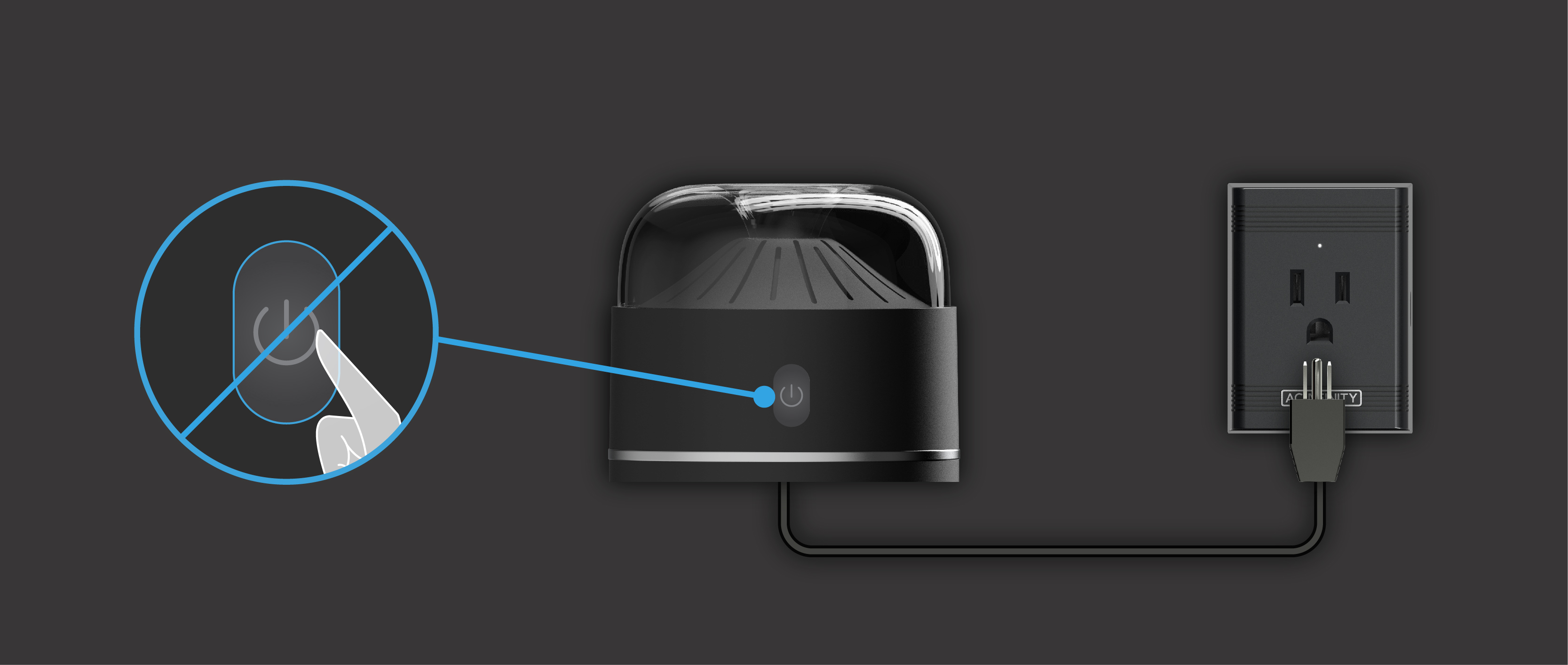
It is also important to note that only devices that automatically power on when plugged into an outlet are compatible with the Control Plug and your UIS Controller. Devices that require a manual button press or switch activation after being plugged in cannot be controlled, as their power controls override controller-based operation.
| Examples of Compatible Devices |
HumidifiersAQUAOASIS – Cool Mist Humidifier HONEYWELL – Cool Mist Humidifier 1 Gallon, Ultrasonic Cool Mist Humidifier – White, HUL535W IDEAL-AIR – Commercial Grade Humidifier 75 Pints DehumidifiersBRITSOU – Dehumidifier 3500 Sq. Ft 50 Pint DE'LONGHI – Tasciugo AriaDry Series FRIGIDAIRE – High Humidity 50 Pint Capacity Dehumidifier, FFAD5033W1 GE – 50 Pint Portable Dehumidifier LEVOAIR – 68 oz Small Dehumidifier with Drain Hose YAUFEY – 1750 Sq. Ft Dehumidifier Air ConditionersBLACK+DECKER – Portable 3-in-1 AC Unit, Dehumidifier & Fan, 12,000 BTU HeatersIPOWER – Electric Heater Fan LASKO – Oscillating Ceramic Heater Model 5409 OPOLAR – 1500W Portable Heater PELONIS – 1500W Oil-Filled Radiant Portable Heater |
This list is not exhaustive and only includes devices that we have tested. Additional brands and models will be added soon.
All brand names mentioned above are registered trademarks of their respective owners. AC Infinity does not claim any affiliation with these brands.
Connecting to CONTROLLER 69 PRO
Plug the UIS Control Plug into a wall outlet and connect it to a smart UIS™ Controller such as the CONTROLLER 69 PRO (or newer) using the included extension cable. Then plug your device into the Control Plug's outlet to complete the setup. Your device will immediately be ready to use with all of our Smart Controllers.
Quick Start Setup
Before using smart programs, you must configure a few basic settings to ensure that your connected device operates correctly:
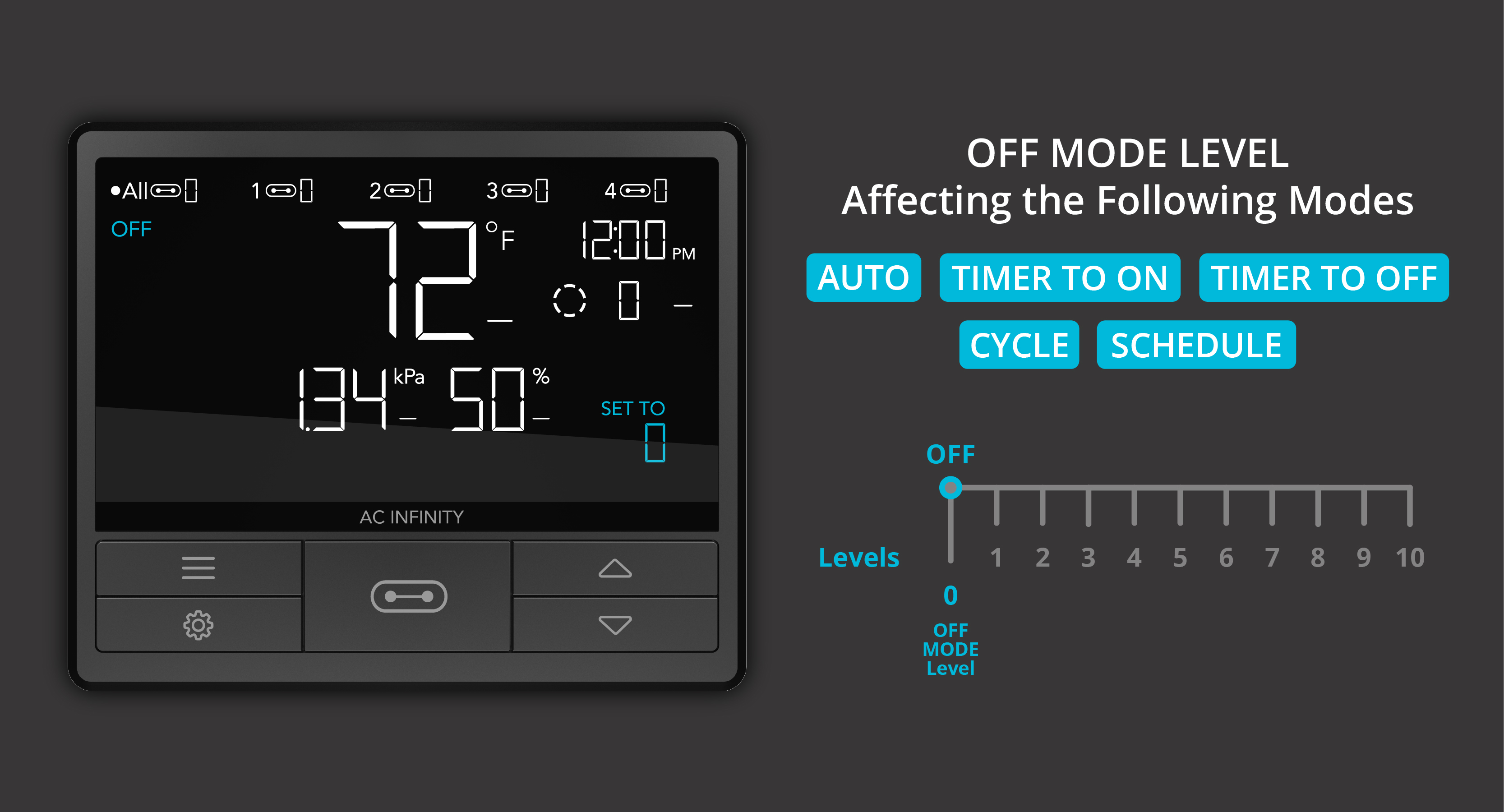
- Set OFF Mode to Level 0.
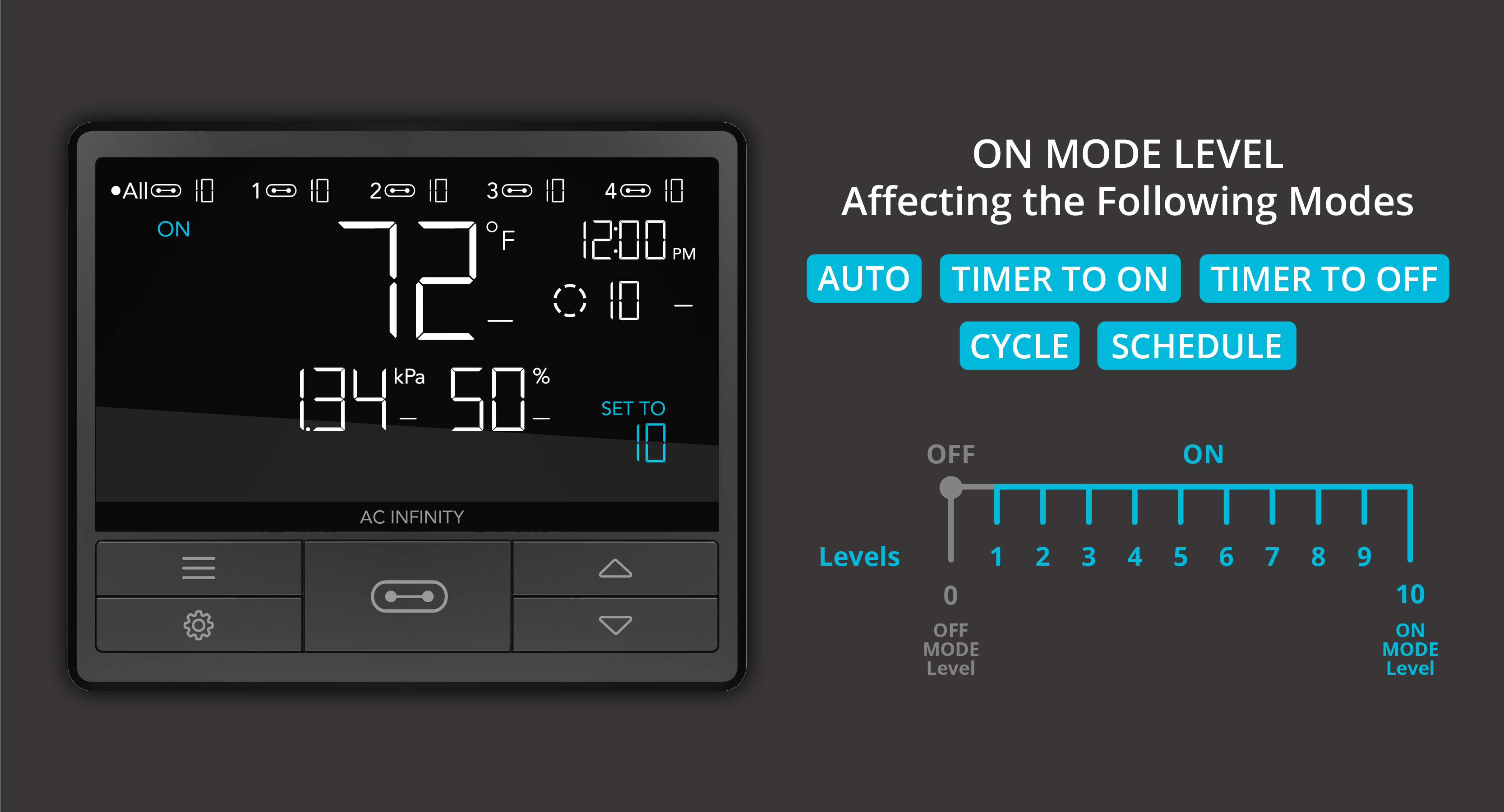
- Set ON Mode to Level 1.
These settings determine how device levels are applied across all other modes (Triggers, Timer, Cycles, and Schedules). It is critical to set OFF Mode to 0 so that your device can be reliably turned off. Any ON value above 0 will activate your device, and Level 1 ensures immediate activation without delay.
Once setup is complete, you can apply Auto Mode Climate Triggers or time-based programs to intelligently manage your grow environment.