





Introduction
Time-based programming includes the Timer to ON, Timer to OFF, Cycle, and Schedule modes. These four independent modes can be accessed by pressing the Mode button until you reach the desired mode. You can then use the Up or Down buttons to set the time or duration. All time-based modes start automatically after five seconds if no further adjustments are made. The modes pause their programming when you leave them and resume once you return to the mode. The level at which your device turns on or off can be determined by your Max/Min settings.
TIMER TO ON Mode
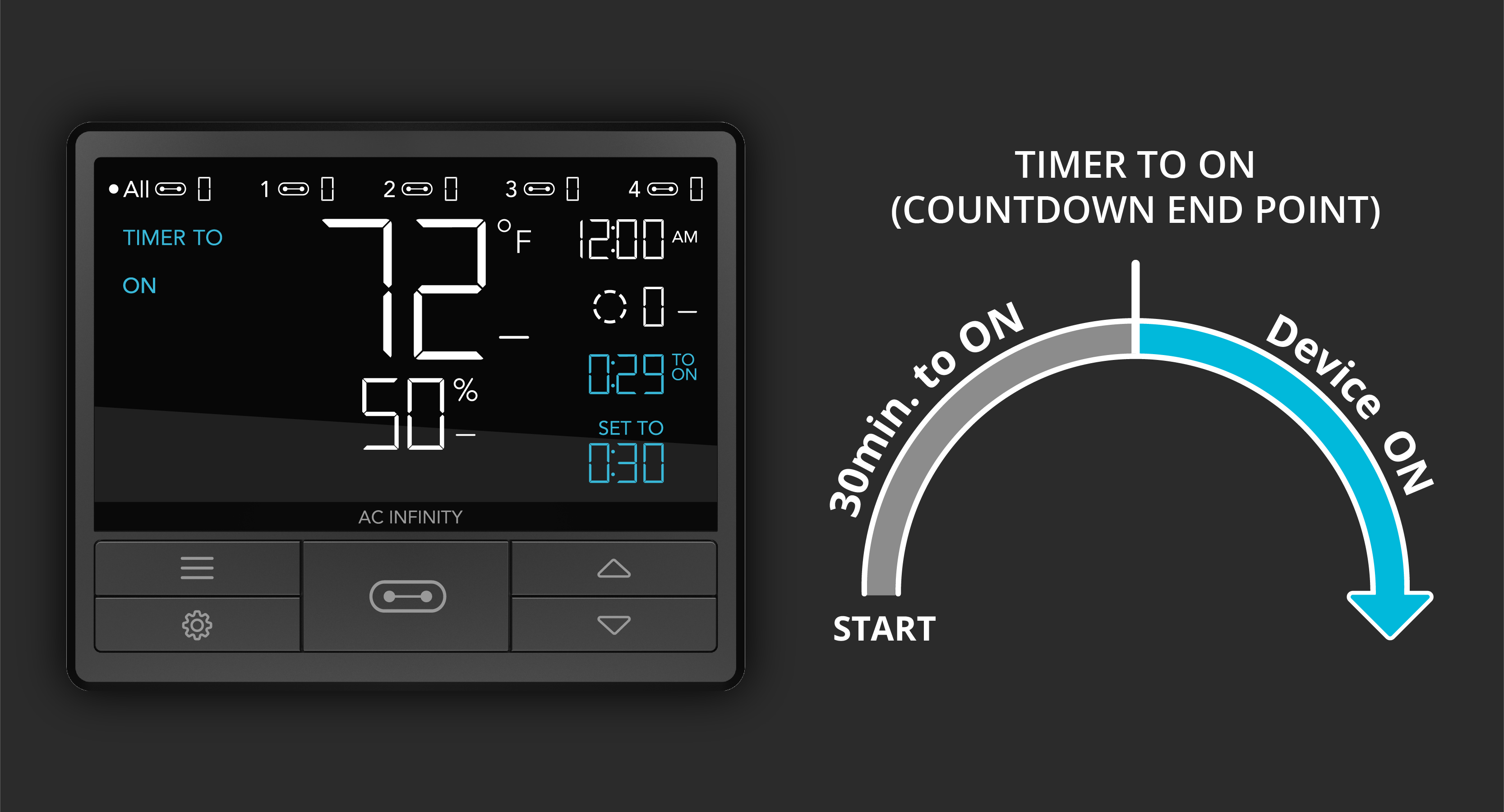
TIMER TO ON mode starts a countdown, after which your device turns on. This mode does not repeat automatically and must be manually restarted. Example: if you want your device to turn on in 30 minutes, set a 30-minute countdown.
TIMER TO OFF Mode
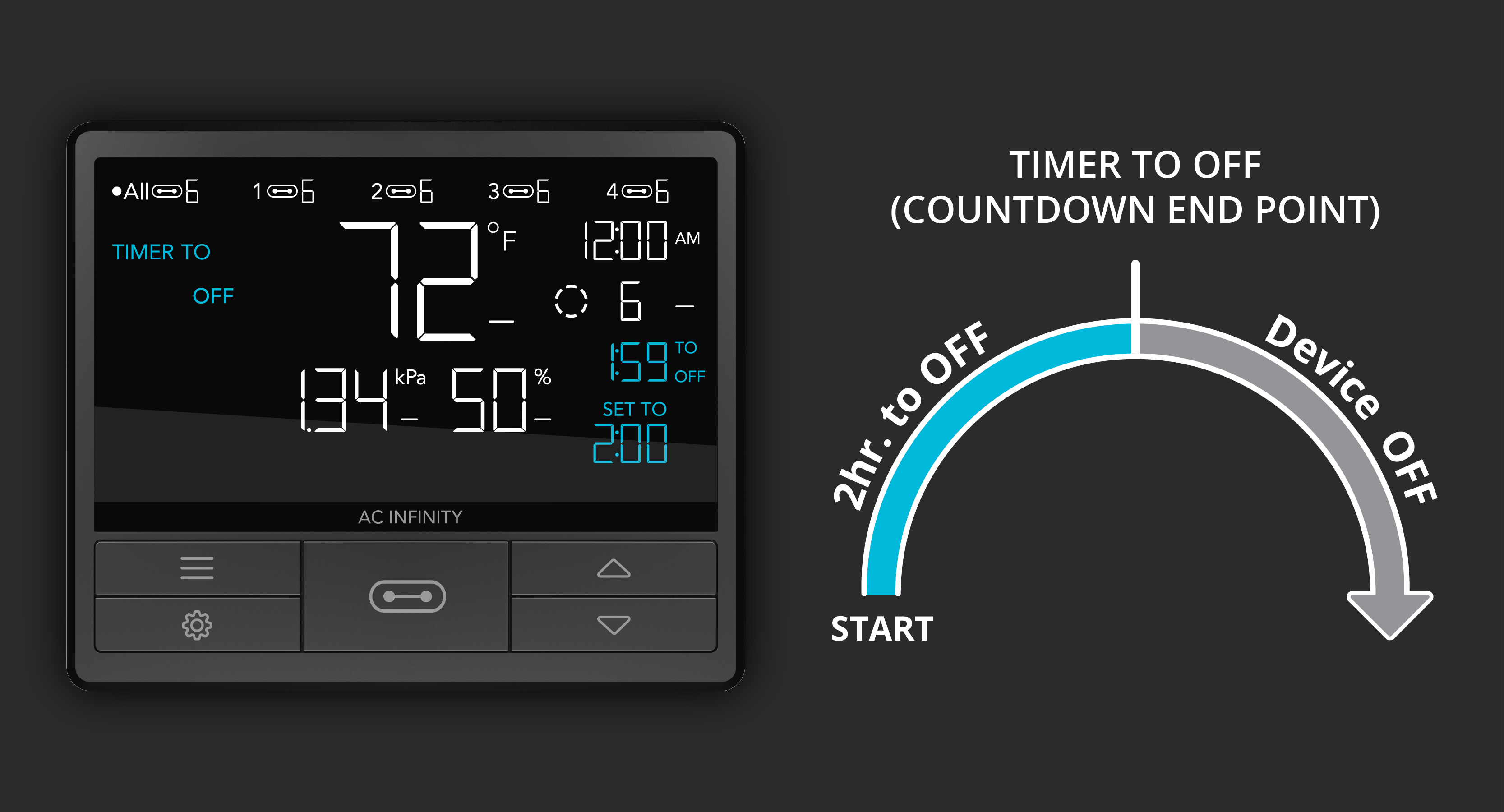
TIMER TO OFF mode starts a countdown, after which your device turns off. This mode does not repeat automatically and must be manually restarted. Example: if you want your device to run for 2 hours and then turn off, set a 2-hour countdown.
Cycle Mode (ON & OFF)
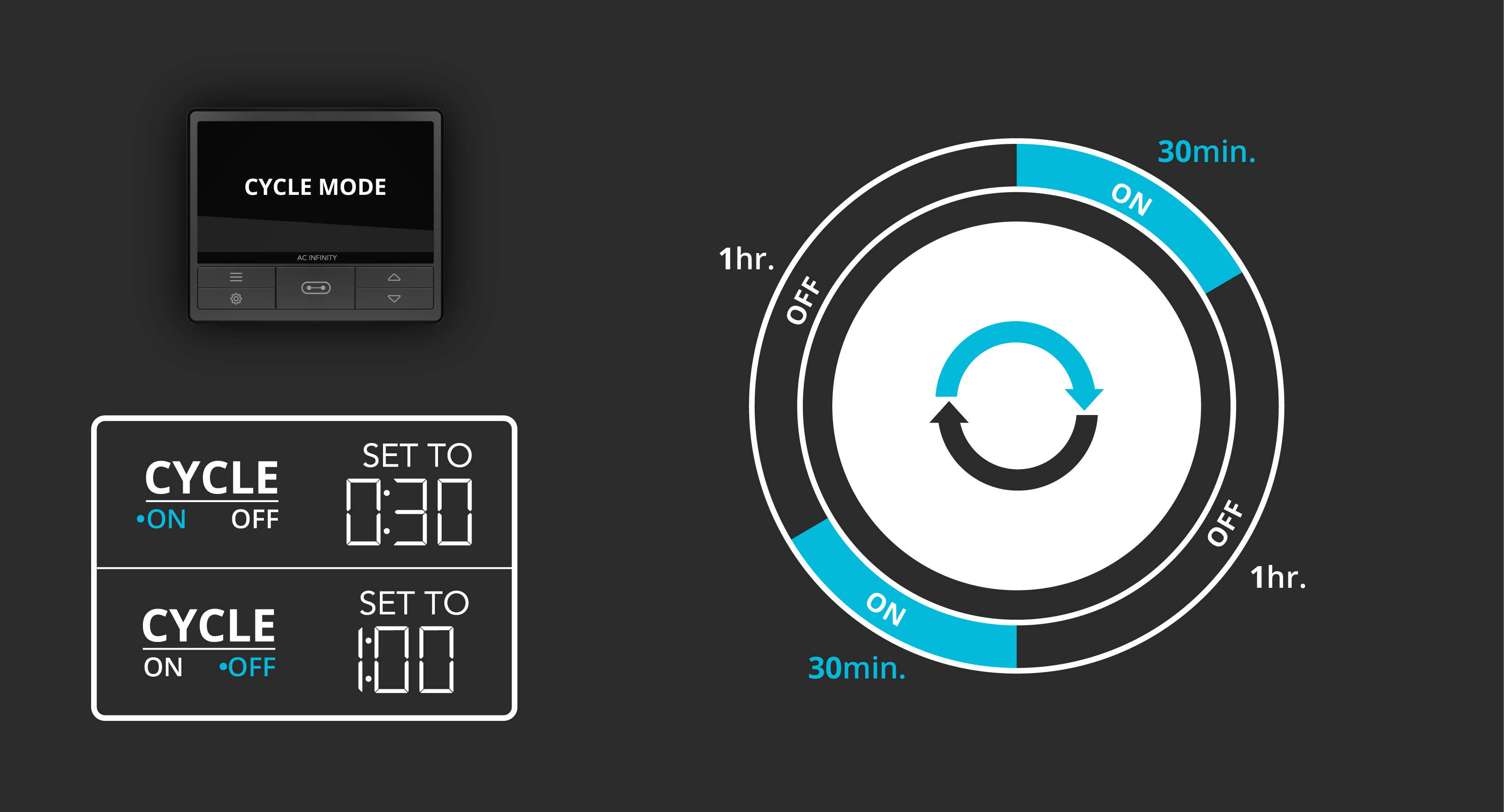
Cycle mode sets an ON countdown and an OFF countdown, which your device repeats continuously. After setting the ON duration, press the Mode button again to set the OFF duration. Example: if you want your device to be on for 30 minutes, then off for 1 hour — repeating this pattern continuously — set the ON duration to 30 minutes and the OFF duration to 1 hour.
Schedule Mode (ON & OFF)
Schedule mode sets a fixed ON time and OFF time, which your device follows daily. After setting the ON time, press the Mode button again to set the OFF time. Example: if you want your device to run every day from 9:00 AM to 7:00 PM, set the ON time to 9:00 AM and the OFF time to 7:00 PM. This program repeats daily. Programming follows the internal clock time set in the controller's clock settings.

Remaining Countdown Time
While a time-based mode is running, you can view the remaining time until your device turns on or off on the display. The "TO ON" countdown shows the time until it turns on, while the "TO OFF" countdown shows the time until it turns off. This display is visible both on the controller and in the app.
Settings That Affect Your Programming
Max and Min Values – All programming modes can be limited by these settings. When the device is off, it runs at the set minimum level. When the device is on, it runs up to the set maximum level. The Max/Min values correspond to the levels defined in ON and OFF modes, respectively. Outlet devices can only be turned on or off.


